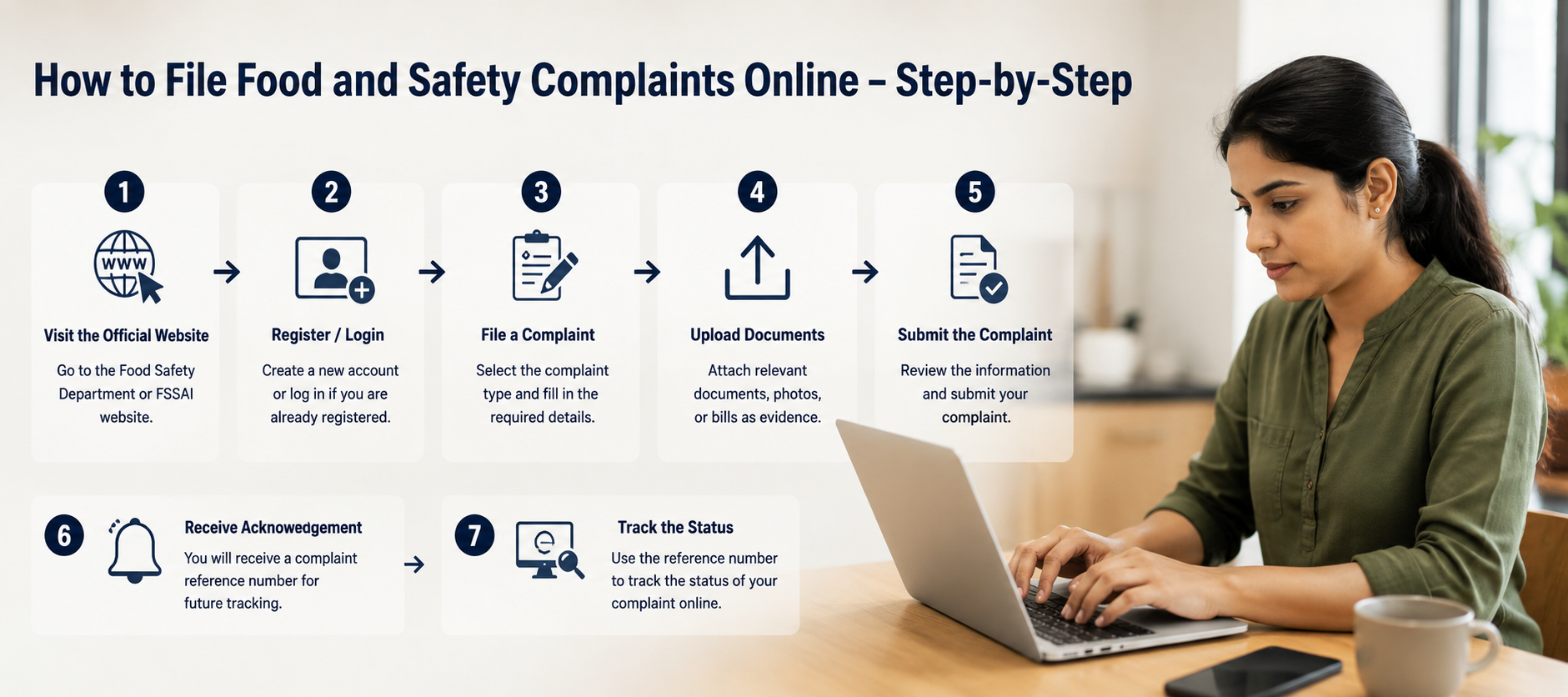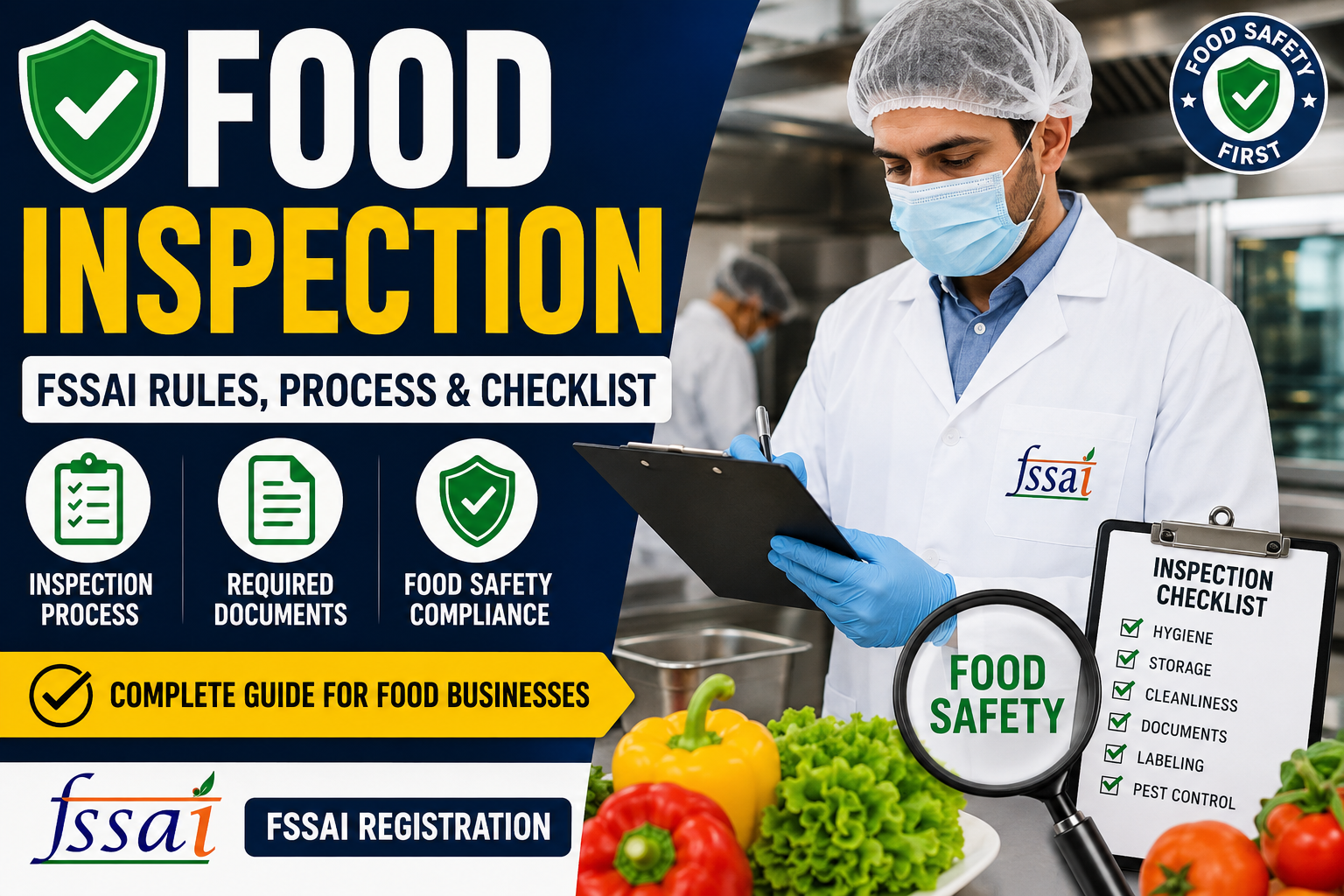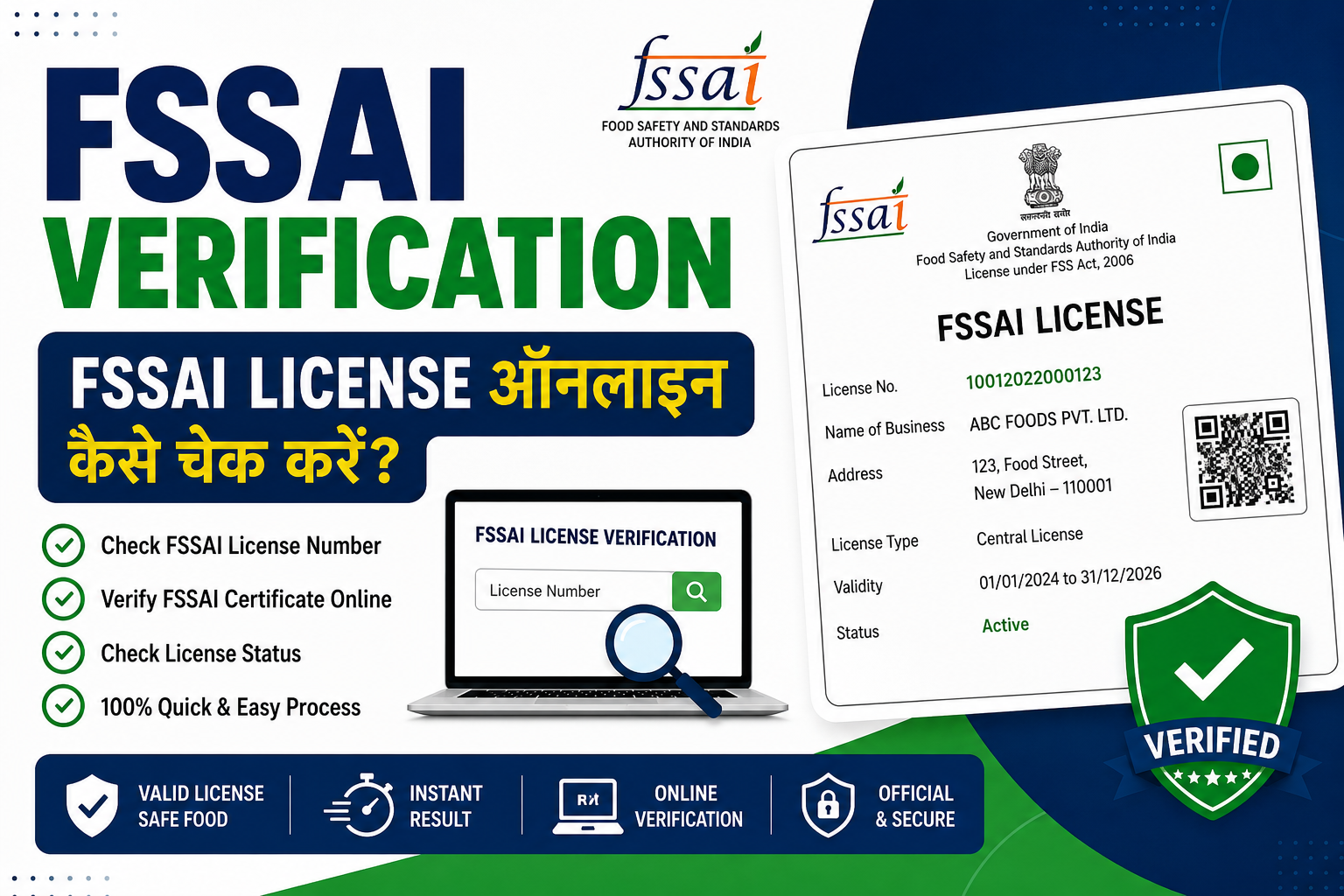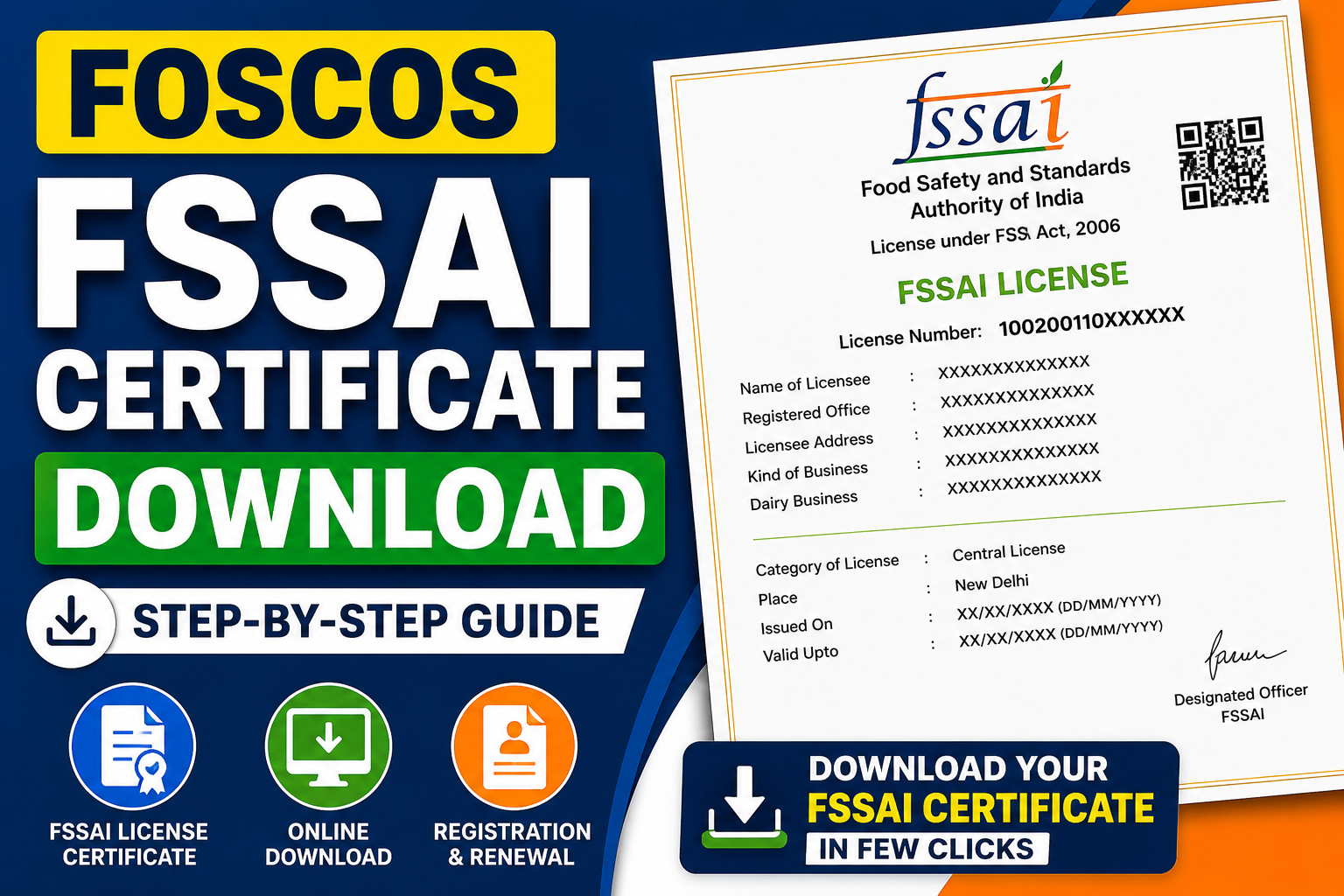
If you are running a food business in India, having an FSSAI certificate is mandatory under the Food Safety and Standards Authority of India. Whether you own a restaurant, cloud kitchen, food stall, or manufacturing unit, you must obtain and download your FSSAI license certificate through the FOSCOS portal.
In this detailed 2026 guide, you’ll learn everything about FOSCOS FSSAI certificate download, including step-by-step instructions, renewal, duplicate copy download, and more.
What is FSSAI Certificate?
An FSSAI certificate is a legal document issued under the Food Safety and Standards Act 2006 that ensures your food business complies with safety and hygiene standards.
It contains:
- FSSAI License Number (14-digit)
- Business details
- Type of license (Basic, State, Central)
- Validity period
What is FOSCOS?
FOSCOS stands for Food Safety Compliance System, an online platform launched by Food Safety and Standards Authority of India.
Through FOSCOS, you can:
- Apply for FSSAI registration
- Download FSSAI certificate online
- Track application status
- Renew your license
- Get duplicate certificate copy
Types of FSSAI License
Before downloading your certificate, it’s important to know the different types of FSSAI license:
1. Basic FSSAI Registration
- For small businesses
- Turnover below ₹12 lakh
2. State FSSAI License
- Turnover between ₹12 lakh – ₹20 crore
3. Central FSSAI License
- Turnover above ₹20 crore
- Import/export businesses
FOSCOS FSSAI Certificate Download – Step-by-Step Process
Follow these steps to download your FSSAI license certificate online:
Step 1: Visit Official Website
Go to the FSSAI portal
FOSCOS Portal (foscos.fssai.gov.in/)
Step 2: Login
- Click on “Login”
- Enter your credentials (Email/Username & Password)
Step 3: Dashboard Access
- After login, go to “Issued Licenses/Registrations”
Step 4: Select License
- Choose your FSSAI license number
Step 5: Download Certificate
- Click on “Download Certificate”
- Save your FSSAI certificate copy PDF
How to Download FSSAI Certificate Without Login?
You can also download using your FSSAI certificate number:
- Visit FOSCOS portal (foscos.fssai.gov.in/)
- Click on “Track Application Status”
- Enter:
- Reference number or license number
- Click Search
- Download your FSSAI certificate online
FSSAI Certificate Download with License Number
If you only have your FSSAI license number, follow this:
- Go to FOSCOS website
- Enter license number in search option
- View certificate details
- Click Download FSSAI license copy
How to Download Duplicate FSSAI Certificate?
Lost your certificate? Don’t worry.
Steps to download FSSAI duplicate certificate:
- Login to FOSCOS
- Go to Issued Certificates
- Select your license
- Click Download Duplicate Copy
FSSAI License Renewal & Certificate Download
If your license is expired:
Renewal Steps:
- Login to FOSCOS
- Click Renewal Section
- Submit renewal application
- Pay fees
- After approval → Download renewal certificate
FSSAI Certificate Download After Renewal
Once your renewal is approved:
- Visit dashboard
- Click updated license
- Download FSSAI renewal certificate
Documents Required for FSSAI Certificate
To get or download your certificate, you must have:
- Aadhaar Card
- PAN Card
- Business Address Proof
- Food Safety Declaration
- Bank Details
FSSAI Certificate Number Explained
Your FSSAI certificate number is a 14-digit unique code.
Example:
- First digit → Registration/License type
- Next digits → State code
- Remaining → Business ID
Benefits of FSSAI Certificate
Having an FSSAI food license certificate gives:
- Legal compliance
- Customer trust
- Business expansion opportunities
- Eligibility for online food platforms
- Better brand reputation
Common Issues in FSSAI Certificate Download
1. Login Problem
-
Reset password
2. Certificate Not Showing
-
Check approval status
3. Wrong Details
-
Apply for correction
4. Expired License
-
Renew first
FSSAI Registration Certificate Time
- Basic Registration: 7–10 days
- State License: 15–30 days
- Central License: 30–60 days
FSSAI Certificate Renewal Time
You should renew your license:
- Before 30 days of expiry
Late renewal may cause:
- Penalty
- License cancellation
FSSAI Food Licensing Login Guide
To access your account:
- Visit FOSCOS
- Enter credentials
- Access dashboard
- Download certificate anytime
Food License and FSSAI Certification
Under the Food Safety and Standards Act 2006, every food business must:
- Register with FSSAI
- Obtain license
- Display certificate at workplace
FAQs – FOSCOS FSSAI Certificate Download
1. How can I download my FSSAI certificate online?
Visit the FOSCOS portal, login, and download from dashboard.
2. Can I download FSSAI certificate without login?
Yes, using license or reference number.
3. What is FOSCOS?
It is the official online system for FSSAI services.
4. How to download FSSAI license copy?
Login → Issued Licenses → Download PDF.
5. How to get duplicate FSSAI certificate?
Login to portal and download again.
6. What is FSSAI certificate number?
A 14-digit unique identification number.
7. How long does FSSAI registration take?
7–60 days depending on license type.
8. Can I download FSSAI certificate by mobile?
Yes, through the FOSCOS website.
9. What if my FSSAI license expired?
You must renew it before downloading.
10. Is FSSAI certificate mandatory?
Yes, for all food businesses in India.
11. How to renew FSSAI certificate online?
Login → Renewal → Submit application → Pay fee.
12. Can I track my FSSAI application?
Yes, using reference number.
13. What is food licence certificate download process?
Login → Dashboard → Select license → Download.
14. What is FSSAI license official website?
FOSCOS portal.
15. Can I print FSSAI certificate?
Yes, download PDF and print.
Conclusion
The process of FOSCOS FSSAI certificate download is simple and fully online. Whether you want to download a new certificate, renewal certificate, or duplicate copy, the FOSCOS portal makes it easy.
Make sure your FSSAI registration certificate is always valid and updated to avoid penalties and ensure smooth business operations.